

Style console.log() like a PRO

CapsCode: Empowering Innovation Through Education and Technology
CapsCode is a pioneering edtech and web development company committed to transforming the lives of students and businesses alike. Founded with the vision of creating a brighter, tech-driven future, CapsCode empowers students by providing world-class coding education while enabling businesses to achieve their goals with cutting-edge IT solutions.
For Students At CapsCode, we believe that coding is the language of tomorrow. Through engaging and industry-relevant courses, personalized mentoring, and hands-on workshops, we help students develop: Problem-solving skills: Preparing them for real-world challenges. Technical expertise: Equipping them with practical knowledge of coding and web development. Confidence in technology: Making them future-ready for careers in IT and beyond.
We foster an environment where students not only learn to code but also learn to innovate, collaborate, and think critically.
For Businesses CapsCode offers bespoke IT solutions tailored to the unique needs of businesses. From responsive web development to advanced digital marketing strategies, our services are designed to help companies grow their online presence and streamline their operations. Our key offerings include: Custom website and software development E-commerce platform creation Lead generation and digital marketing Professional email and Google Business setup
We act as partners in innovation, helping businesses leverage technology to reach new heights.
Our Mission Our mission is to empower individuals and organizations by bridging the gap between technology and accessibility. We aim to inspire a new generation of coders while helping businesses thrive in a competitive digital landscape.
Why Choose CapsCode? Over 9 years of IT industry expertise. A blend of education and professional IT services under one roof. A commitment to fostering growth, innovation, and success.
Join us in shaping the future—whether you're a student eager to unlock your potential or a business ready to embrace the possibilities of technology.
Learn. Build. Grow. With CapsCode.
Hello Devs,
In this blog I will guide you all through "HOW WE CAN STYLE CONSOLE.LOG() USING CSS" I have made 12 different styles for you to make sure that you will not ended up with any confusions.
So without wasting any time lets get into this tutorial.
- Add %c before the text you want to style.
- Insert one more argument in the console log function with the style you want to apply.
1.Simple Console Log Shortcut for JS Objects with the defined color i.e #007acc
console.log("%cThis is my 1st style", "color: #007acc;", "CAPSCODE");

2.JSON String Output
console.log('%cThis is my 2nd style', 'color: #007acc;', JSON.stringify({fname:'JOHN', lname:'DOE'}, null, "\t" ))

3.Simple Console Log Shortcut for JS Objects - Green Text
console.log("%cThis is my 4th style", "color: #26bfa5;", {fname:'JOHN', lname:'DOE'});

4.Simple Console Log for JS Objects - Blue Background with white text
console.log("%cThis is my 5th style", "color: white; background-color: #007acc;", {fname:'JOHN', lname:'DOE'});

5.Simple Console Log Shortcut for JS Objects - #26bfa5 Background with white text
console.log("%cThis is my 6th style", "color: white; background-color: #26bfa5;", {fname:'JOHN', lname:'DOE'});

6.Simple Console Log Shortcut for JS Objects - Green Background with white text
console.log("%cThis is my 7th style", "background: green; color: white; display: block;");

7.Find errors with style
console.log("%cThis is my 8th style", "color: red; display: block; width: 100%;", error);

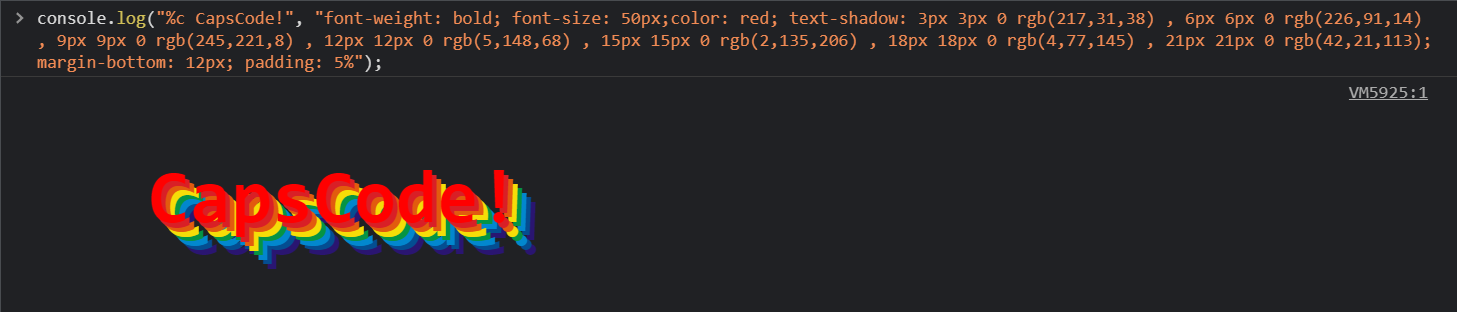
8.You need a Rainbow in your code
console.log("%c CapsCode!", "font-weight: bold; font-size: 50px;color: red; text-shadow: 3px 3px 0 rgb(217,31,38) , 6px 6px 0 rgb(226,91,14) , 9px 9px 0 rgb(245,221,8) , 12px 12px 0 rgb(5,148,68) , 15px 15px 0 rgb(2,135,206) , 18px 18px 0 rgb(4,77,145) , 21px 21px 0 rgb(42,21,113); margin-bottom: 12px; padding: 5%");
9.Insert image of size 500 X 333 in console
console.log("%c ", "font-size: 1px; padding: 166.5px 250px; background-size: 500px 333px; background: no-repeat url(https://www.capscode.in/static/media/cap.0d0af8f0.png);");
10.Insert image of size 247X 480 in console
console.log("%c ", "font-size: 1px; padding: 240px 123.5px; background-size: 247px 480px; background: no-repeat url(https://www.capscode.in/static/media/cap.0d0af8f0.png);");
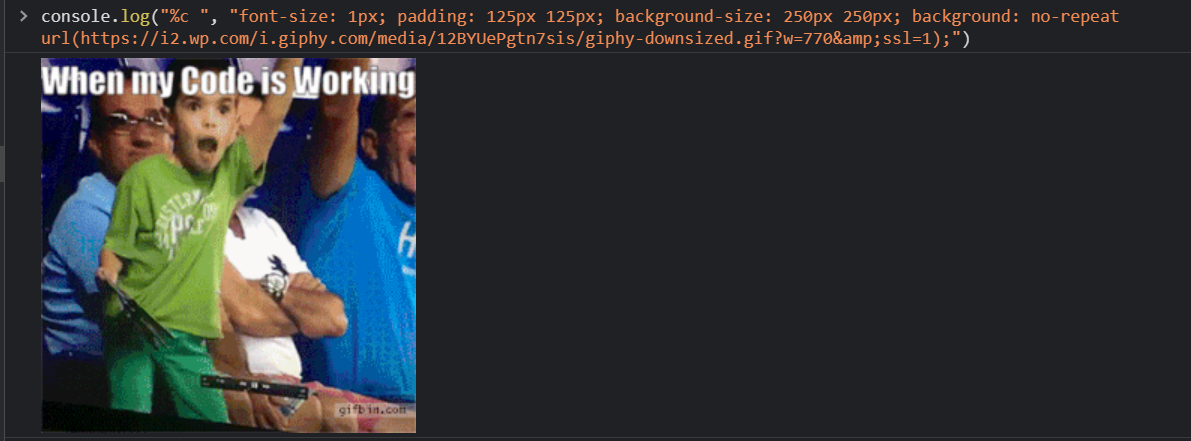
11.Insert image of size 250 X 250 in console
console.log("%c ", "font-size: 1px; padding: 125px 125px; background-size: 250px 250px; background: no-repeat url(https://i2.wp.com/i.giphy.com/media/12BYUePgtn7sis/giphy-downsized.gif?w=770&ssl=1);")
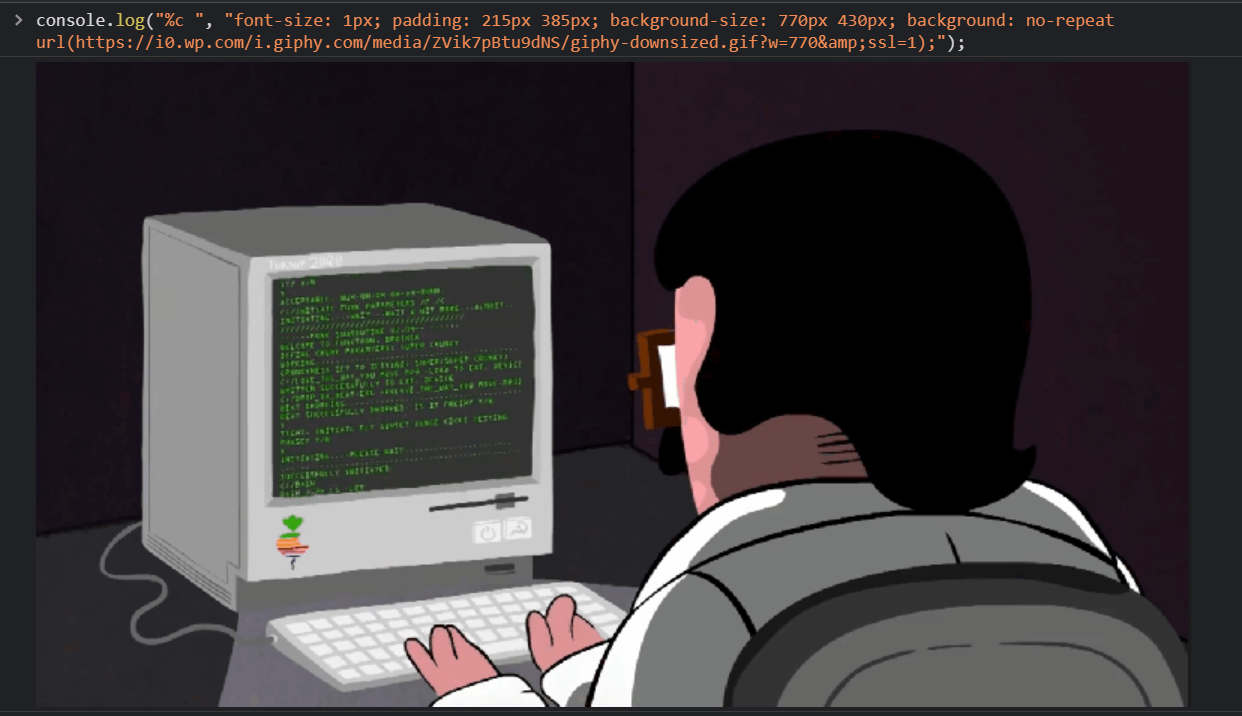
12.Inserting GIF in console
console.log("%c ", "font-size: 1px; padding: 215px 385px; background-size: 770px 430px; background: no-repeat url(https://i0.wp.com/i.giphy.com/media/ZVik7pBtu9dNS/giphy-downsized.gif?w=770&ssl=1);");
Thank you for reading this far. This is a brief introduction of How to style console.log using some CSS . If you find this article useful/ FUN, like and share this article. Someone could find it useful too. If you find anything technically inaccurate please feel free to comment below.
Hope its a nice and informative read for you. VISIT https://www.capscode.in/#/blog TO LEARN MORE...
Thanks, @capscode


![Difference between __proto__, [[Prototype]] & .prototype in JavaScript](https://cdn.hashnode.com/res/hashnode/image/upload/v1748159626406/69c8f1f2-2e84-4bd4-8abb-dc14ace2464a.png)

